
What makes SpokenText different
SpokenText combines time based audio navigation, gesture based playback control, clip notes, and synchronized text in one accessible reading experience for iPhone and iPad.
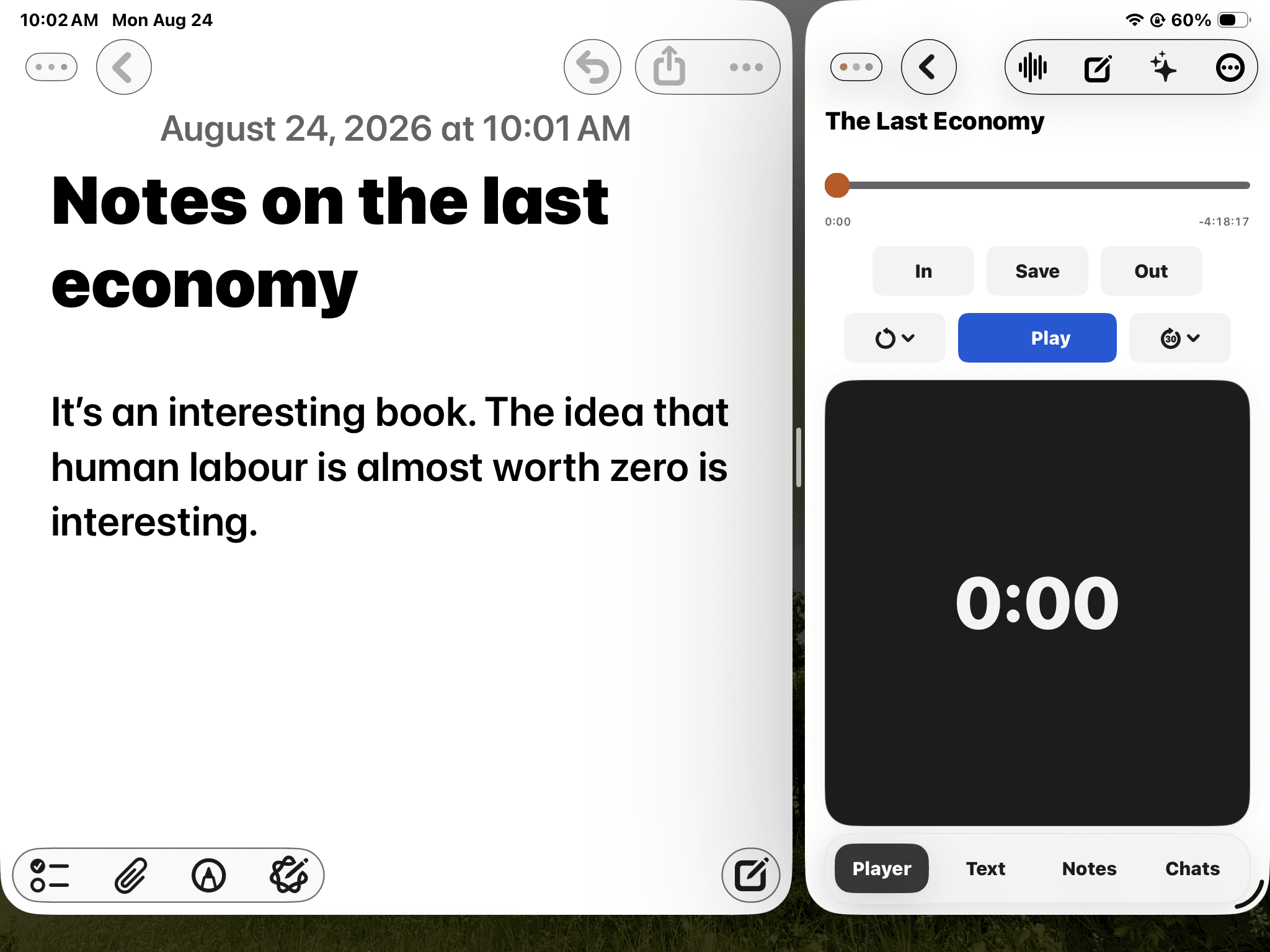
iPad study view
Keep listening while you work
On iPad, keep your notes or course material beside SpokenText Reader. The player stays available while you capture an idea, check a source, or return to the exact place you were listening.
A simple study workflow
Take in reading, review a difficult section, and keep useful notes connected to the source.
1. Add the material you need
Import a document from Files or send one to SpokenText Reader from another app. A scanned PDF can be recognized automatically during import.
2. Listen in the way that helps you focus
Use time-based controls to replay a moment, move ahead, or follow the synchronized text without losing your place.
3. Save what matters and come back to it
Create bookmarks, notes, and clip notes while you listen, and pick up right where you left off.
How your audio is made
SpokenText Reader generates your audio as you listen, always a few sentences ahead, so the flow never has to stop and catch up.
SpokenText Reader generates speech as you listen, so there is no waiting for a file to be made. It keeps a short rolling window of audio synthesized just ahead of wherever you’re listening, so playback always has a moment ready and never has to pause to catch up.
Diagram: text is split into chunks. A playhead moves through already spoken chunks, the chunk currently playing, a short rolling window of chunks already synthesized and waiting, and chunks not yet generated further ahead.
- Already spoken
- Playing now
- Synthesized, waiting
- Not yet generated
Motion is reduced because your system prefers reduced motion. The diagram above shows a single still frame of the buffer.
I lived through the era when the only option was pre-recorded audio. Every reading tool I tried back then had the same problem: the moment you wanted to keep something, you had to stop. Switch to some other screen, find the passage again, drag a selection until you’d caught the right words, and by the time you had, you’d often forgotten why you wanted it. The flow was gone every single time.
Real-time generation exists so that keeping something does not mean stopping. There are three ways to keep it, and audio keeps playing while you do.
- Bookmark. One quick tap saves your place.
- Note. Tap the note button at any time. It saves a note stamped with the current time code. For example: “this whole paragraph is good, come back to it and read it more later.”
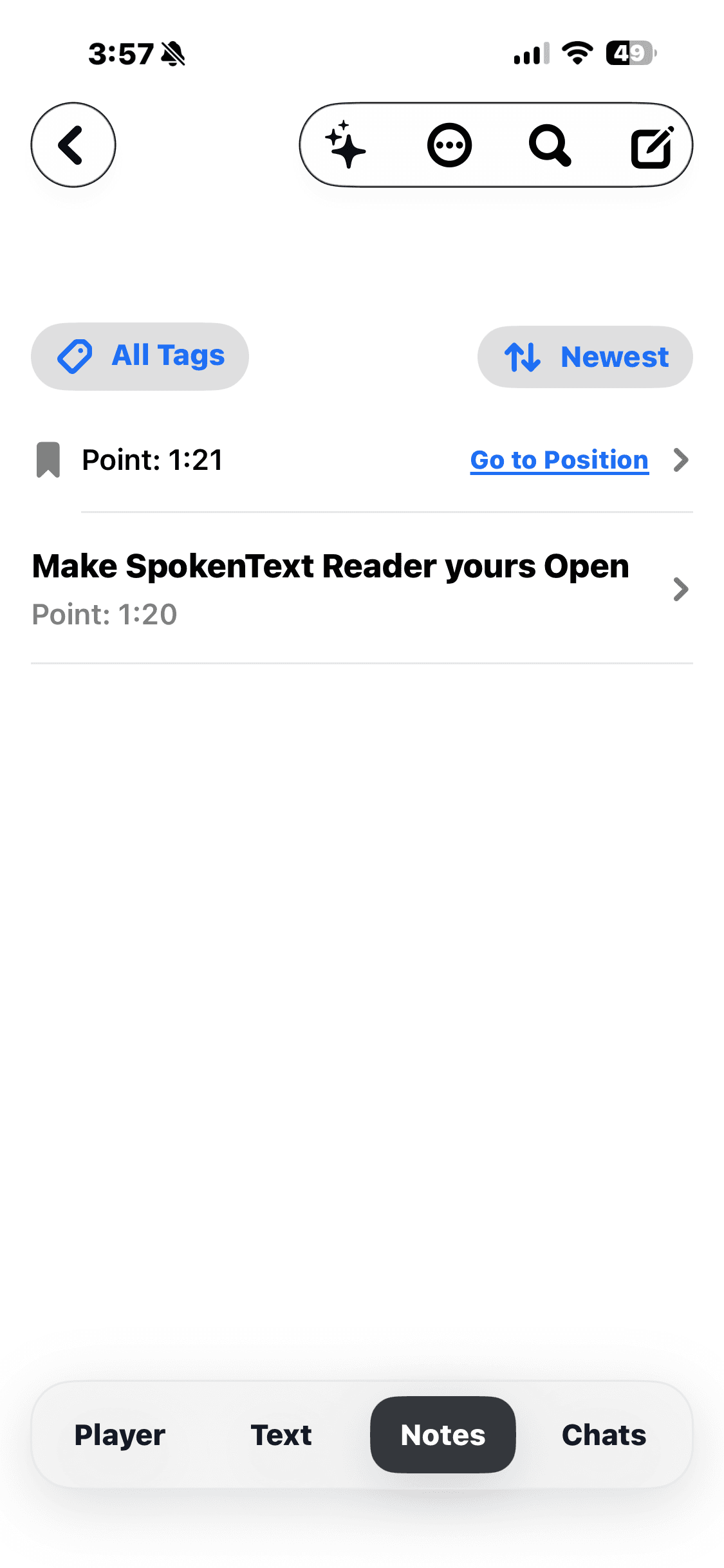
- Clip note. Mark Clip In and Clip Out, then save. Use the Save button, or long press the Gesture Pad to open a note. This captures a chunk of text, for example a passage you want to cite in a paper later. From the Notes screen you can play that passage back. The same passage is highlighted in the Text view.
Marking Clip In and Clip Out does not save anything. A clip is saved when you save it.
Audio that moves like recorded audio
SpokenText generates speech on the fly, then maintains a rolling cache of that audio as you listen. You get the benefits of real time speech with the reliable feel of prerecorded audio: smooth playback and precise time based movement forward or backward. Move through a document by listening time without losing your place, while SpokenText continues preparing the next audio for you.
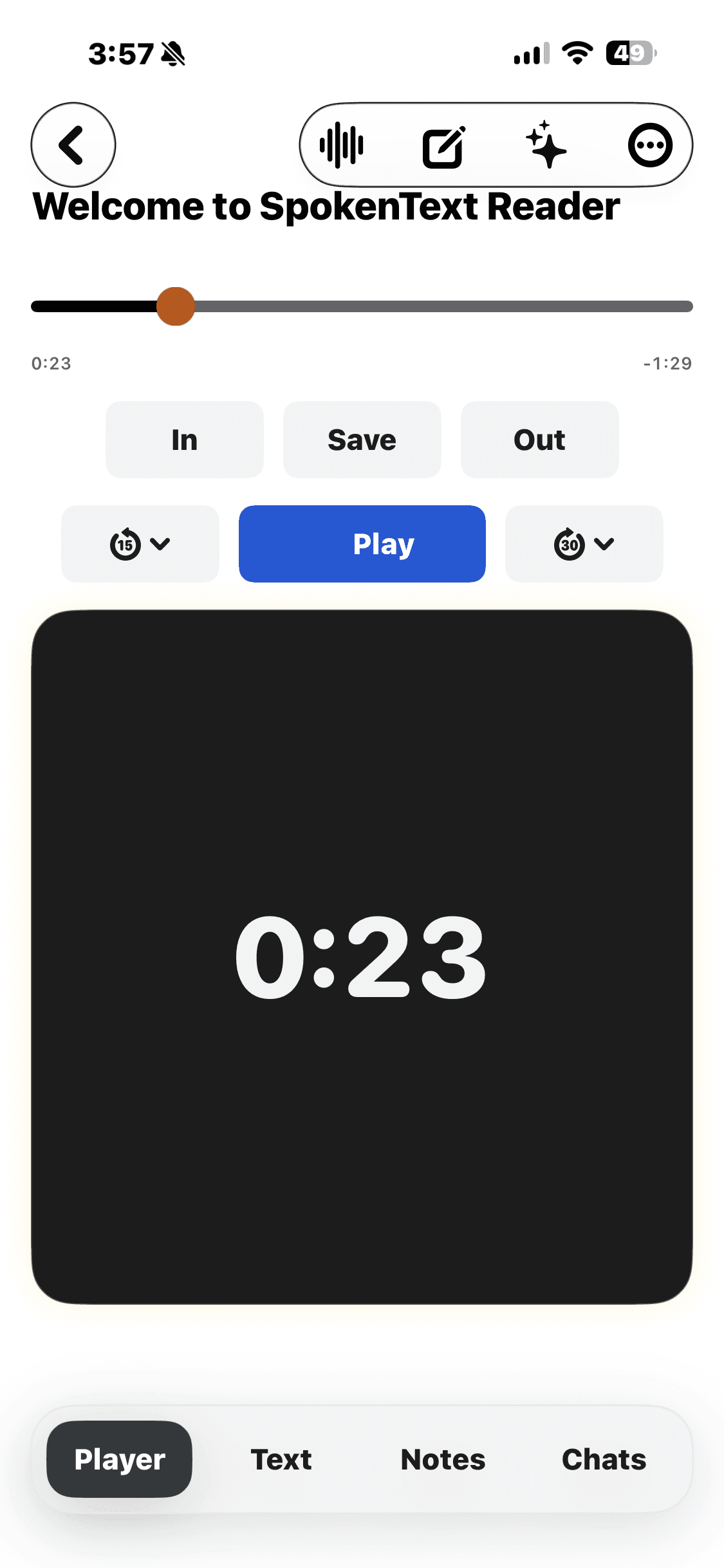
Control playback with a swipe
The Gesture Pad puts the main listening controls in one gesture based interface. Tap to play or pause. Swipe left or right to rewind or move forward. The speed of your swipe and your preferred rewind interval determine how you move through the audio, making precise navigation practical even at high listening speeds.
Take in one sentence at a time
Add a short pause after each sentence when you want more time to process an idea before the next one begins. It is a simple option that can make faster listening feel calmer and easier to follow, especially when you are studying or working through complex material.
Create clip notes while you listen
Swipe up on the Gesture Pad to mark where a clip begins and swipe down to mark where it ends, without leaving playback. A clip is not saved until you save it. Use the Save button, or long press the pad to open a note. From the Notes screen you can play the passage back, and the same passage is highlighted in the Text view.
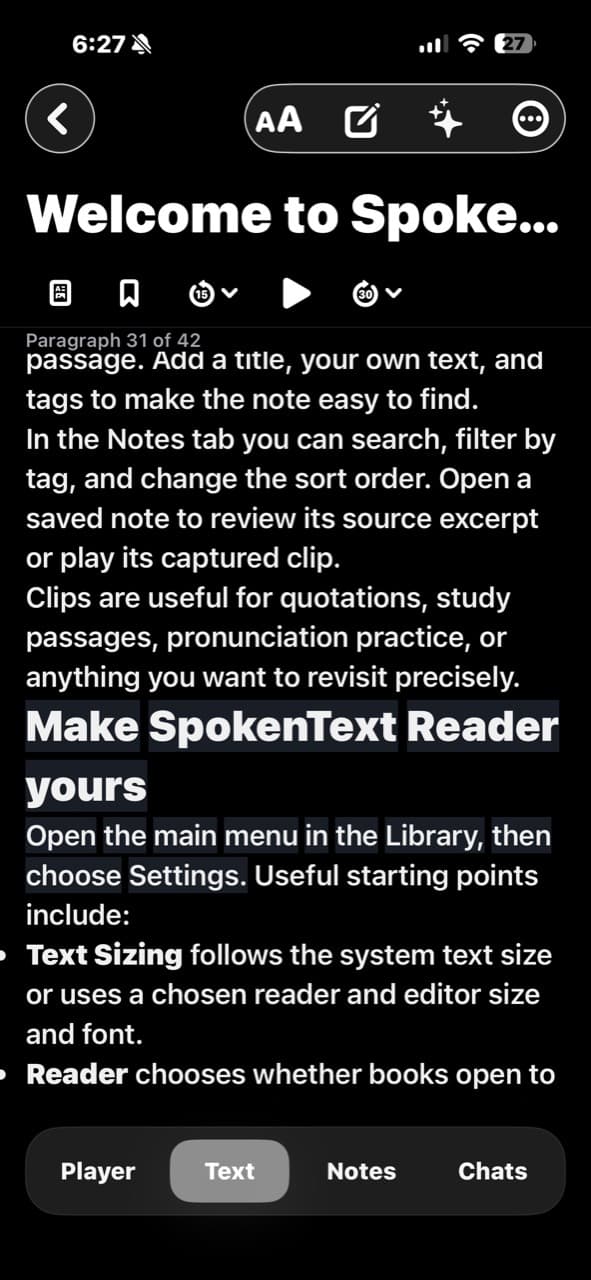
Listen, read, or use both
Use SpokenText as an audio focused reader or open the full text whenever you want to read along. Each spoken word is highlighted and the text stays synchronized with the generated audio. Move between listening and reading without losing your position.
Your library, your way
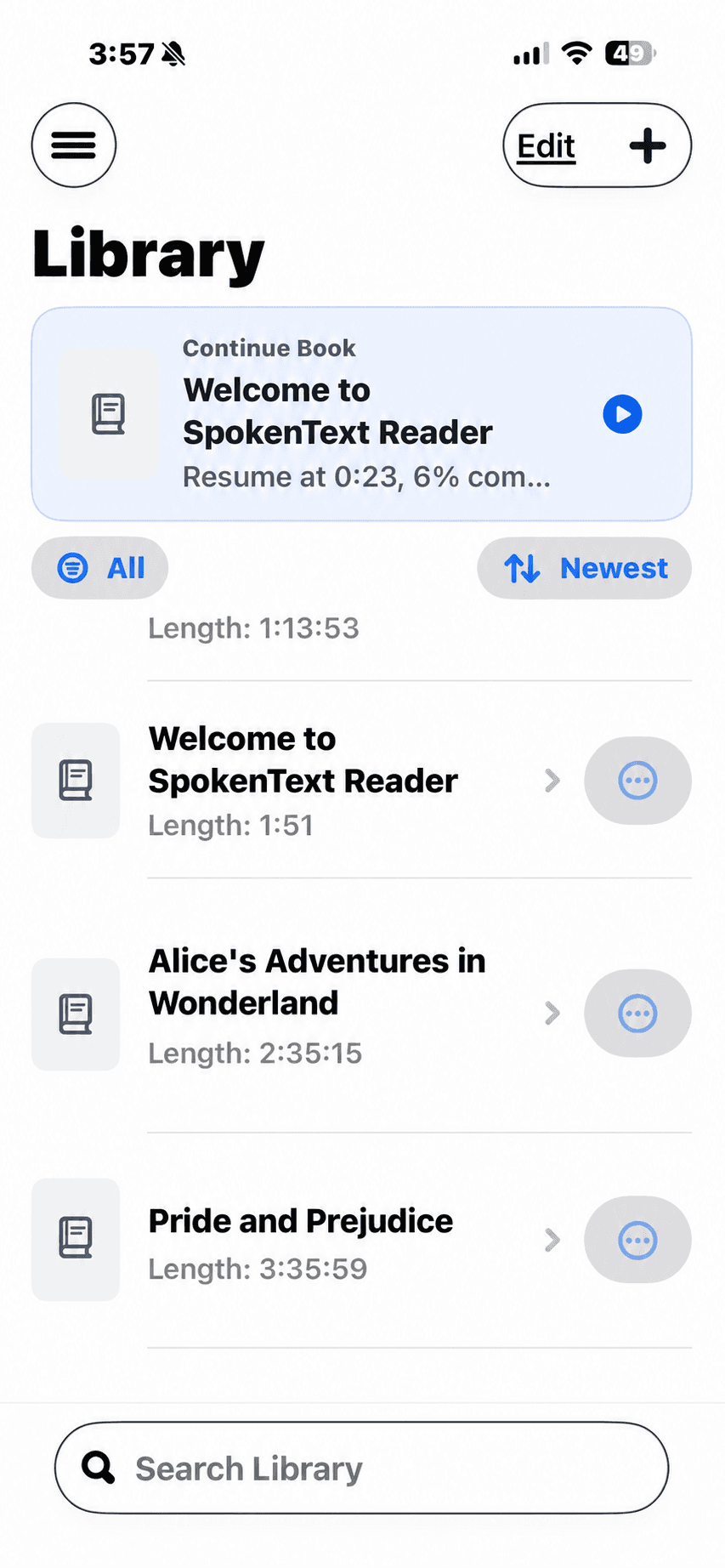
Import PDFs, documents, EPUB and EPUB3 based DAISY books, including books from Bookshare, and web pages by URL. Organize your library by topic, keep a Reading List for what you want to hear next, and continue from your saved position.
Accessibility from the beginning
SpokenText is designed around VoiceOver, touch, sound, and the needs of people with print disabilities. Reading text can follow your iOS text size. Accessibility informs the product architecture and interaction design from the beginning.
Private on device assistance
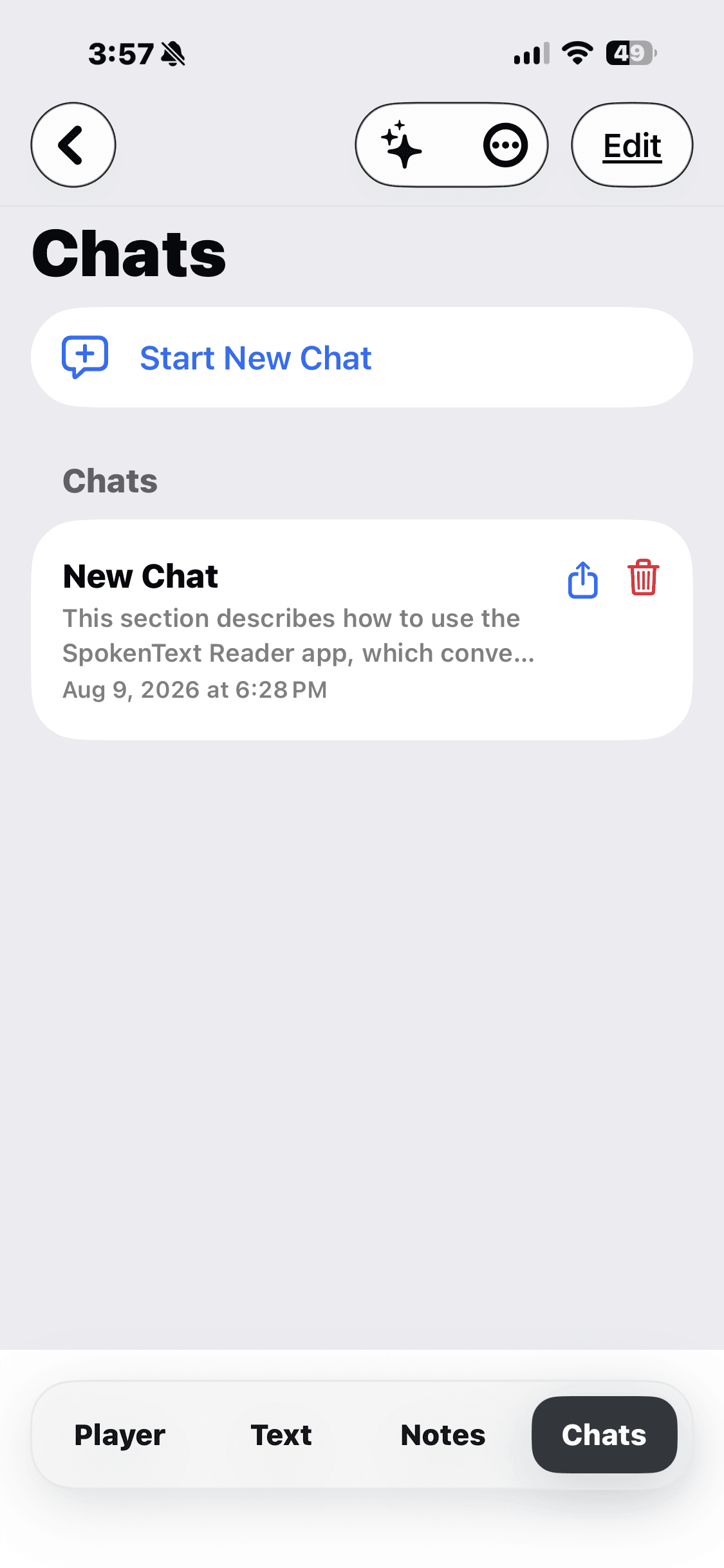
Ask questions about what you are reading, request summaries, and explore key ideas using supported on device AI options. Document content does not need to be sent to a third party AI service.
Complete feature list
A single place to scan everything SpokenText Reader can do.
- Import TXT, Markdown, PDF, DOCX, and EPUB books.
- Recognize text automatically in scanned PDF pages during import.
- Add documents with Import File, Import URL (a direct file link or an ordinary web page reduced to readable text), or Text Document from the Library Add menu, or send them from another app with the iOS and iPadOS Share Sheet.
- Organize a personal library with folders and find a document again quickly.
- Build a Reading List for the books you want to hear next, then search it and move any book to the top.
- Continue from your saved reading and listening position.
- Move backward or forward by exact listening time rather than sentence.
- Play, pause, rewind, move forward, mark Clip In and Clip Out, and open a note from the Gesture Pad.
- Create bookmarks, notes, and clip notes that return you to the source position.
- Listen without text, read along with word-level highlighting, or move between both views without losing your place.
- Adjust speech rate for each document while preserving playback position and synchronized highlighting.
- Add a short pause after each sentence, giving you more time to take in an idea before the next one begins.
- Choose the reading appearance, font, text size, and highlighting colours that work best for you.
- Use the full reader on iPhone and iPad, including beside another app in iPad Split View.
- Navigate long documents with a contents view and return directly to the part you need.
- Use VoiceOver and touch throughout the reading experience, and let the reading text follow your iOS text size.
- Ask questions, request summaries, and explore key ideas using supported on-device AI options without sending document content to a third-party AI service.